How to Reconcile TDS Returns with Form 26AS
Learn how to reconcile TDS returns with Form 26AS with our expert step-by-step guide to avoid income tax notices and ensure accurate reporting.
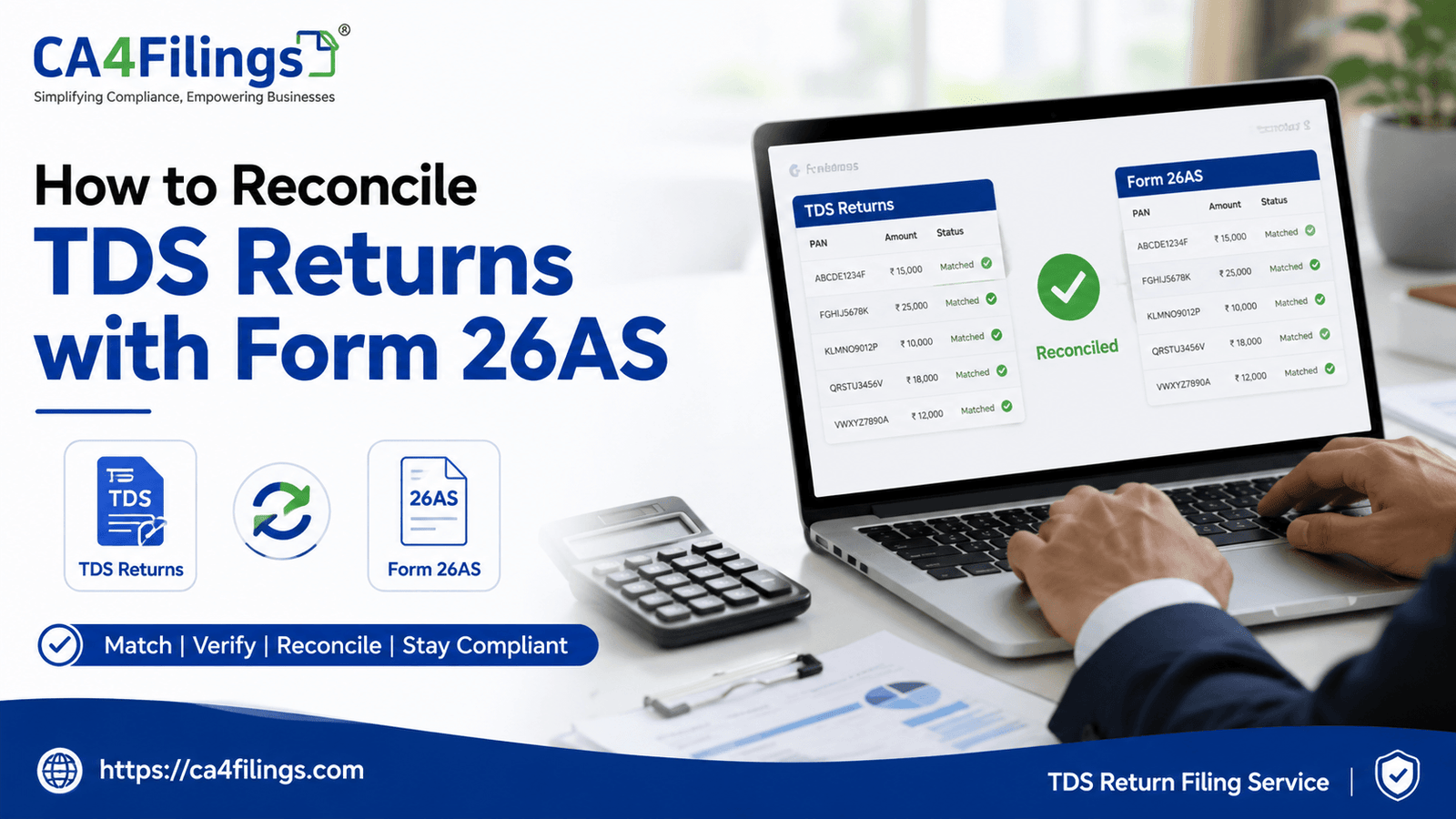
Running a business in India comes with its fair share of compliance compliance, and if there is one task that keeps accounts teams on their toes every quarter, it is managing TDS returns. As a deductor, you deduct tax, deposit it with the government, and file your quarterly returns. But your job does not end there. The real challenge arises when the tax credit you claim or deduct does not match the government's records. To avoid structural errors and income tax notices, every business owner and taxpayer must know how to reconcile TDS returns with Form 26AS.
At CA4Filings, we interact with hundreds of entrepreneurs who face unnecessary penalties simply because of minor data mismatches. Ensuring that your internal books align perfectly with the government portal is non-negotiable for accurate reporting. If you find this process overwhelming or want to ensure your business remains 100% compliant without the logistical headache, you can always rely on our professional TDS Return Filing Service to handle the entire cycle seamlessly for you. Let us dive into why this reconciliation is vital and how you can do it effortlessly.
Why Should You Reconcile TDS Returns with Form 26AS?
Form 26AS is essentially your annual tax statement. It acts as a master ledger issued by the Income Tax Department, reflecting all tax deductions, TCS collects, advance tax paid, and self-assessment tax linked to your PAN card.
When you learn how to reconcile TDS returns with Form 26AS, you are basically cross-checking your internal financial records against this official tax passport. If there is a mismatch, the Income Tax Department’s automated system flags it, which can delay refunds or generate unexpected tax demands.
Common Reasons for Discrepancies
Before we look at the solution, it helps to understand why these discrepancies happen in the first place:
Incorrect PAN Details: Entering a wrong taxpayer identification number or mistyping a digit on a PAN card during return filing is the number one cause of missing credits.
Challan Mismatches: If the bank uploads incorrect challan identification numbers (CIN) or wrong amounts, the online tax portal will not reflect the true deposit.
Timing Differences: Sometimes, a deductor deposits the tax late or files the return after the due date, causing the credit to appear in a later quarter or financial year.
Overlooked Entries: Forgetting to book a transaction or skipping a specific deductee row entirely in your quarterly software.
Step-by-Step Guide: How to Reconcile TDS Returns with Form 26AS
Reconciliation sounds highly technical, but if you break it down systematically, it becomes an easy routine. Here is a practical, step-by-step guide to matching your books like a pro CA.
Step 1: Download Your Form 26AS
First, log in to the official income tax e-filing portal using your credentials. Navigate to the 'e-File' menu, select 'Income Tax Forms', and click on 'View Form 26AS'. You will be redirected to the TRACES website, where you can download the statement for the relevant Financial Year in HTML or Text format. For easy sorting, we recommend exporting it as an Excel file if you use third-party conversion tools, or viewing it in text format to parse the data fields.
Step 2: Extract Your Internal TDS Ledgers
Pull out your internal financial records for the same period. If you are a deductor, extract your quarterly TDS filing statements (Form 24Q for salaries, Form 26Q for non-salaries). If you are a deductee checking your incoming credits, pull up your "TDS Receivable" ledger from your accounting software.
Step 3: Align the Data Fields
Create a master spreadsheet where you can place your internal data side-by-side with the Form 26AS data. You need to verify four critical data points for every single transaction:
The TAN (Tax Deduction and Collection Account Number) of the deductor.
The total amount paid or credited.
The exact amount of tax deducted.
The financial year to which the transaction belongs.
Step 4: Identify and Highlight the Differences
Run a comparison formula or visually inspect the lines. Look for any entries present in your books but missing in Form 26AS, or vice versa. Keep an eye out for minor decimal rounding errors, as well as larger structural omissions.
How to Rectify the Errors Found During Reconciliation
Knowing how to reconcile TDS returns with Form 26AS is only half the battle won; you must also know how to fix the errors you uncover.
If the Mistake is on Your End (As a Deductor)
If you discover that your team filed a return with an incorrect PAN or an inaccurate amount, you must file a Correction TDS Return. Log into the TRACES portal, request the relevant Conso File (Consolidated File), make the necessary edits (such as correcting the PAN card details or updating the challan mapping), and submit the correction file. Once processed, the corrected data will automatically sync with your deductee's Form 26AS.
If the Mistake is by Your Deductor/Client
If you are a service provider or vendor and notice that a client deducted tax from your invoice but it is not showing up in your Form 26AS, you must contact them immediately. Request them to check their TDS returns data against your taxpayer identification number. They will need to file a correction return on their end to grant you the legitimate tax credit.
Expert Tips for Stress-Free Tax Filing
To ensure smooth tax filing at the end of the year, do not wait until July to start your reconciliation. Here are a few golden rules we follow at CA4Filings:
Perform Monthly or Quarterly Checks: Instead of sitting with 12 months of data during peak tax season, make it a habit to reconcile TDS every single quarter immediately after the statutory filing dates.
Verify PANs at Onboarding: Whenever you onboard a new vendor or employee, validate their PAN card directly on the online tax portal to avoid typographic errors later.
Maintain Strict Booking Hygiene: Ensure your accounting team books the TDS entry at the exact time of credit or payment, whichever is earlier, strictly matching the statutory mandate.
Frequently Asked Questions (FAQs)
Q1. How long does it take for a filed TDS return to reflect in Form 26AS?
Generally, once a deductor submits the return and it is successfully processed by the TRACES portal, it takes about 7 to 10 working days for the entries to reflect in the deductee's Form 26AS.
Q2. Can I claim a tax credit if it is not showing up in my Form 26AS?
No. If you claim a credit in your income tax return that does not appear in Form 26AS, the tax department's automated system will flag a mismatch and issue an online defect notice. You must get the deductor to correct their return first.
Q3. What happens if I enter an incorrect taxpayer identification number (PAN) in the return?
If an incorrect PAN is submitted, the tax credit goes to the wrong person's account, and your actual vendor/employee will face a shortage of credit. You will have to pay a processing fee or follow the correction mechanism on TRACES to rectify it.
Q4. Is Form 26AS the only document needed to verify tax deductions?
While Form 26AS is the primary master document, the IT department has also introduced the AIS (Annual Information Statement) and TIS (Taxpayer Information Summary), which provide an even broader view of your financial ecosystem. It is smart practice to look at both.
Mastering how to reconcile TDS returns with Form 26AS is the ultimate safeguard against mismatched assessments and compliance penalties. It bridges the gap between your daily business transactions and the official records sitting on the government's online tax portal. Regular auditing guarantees accurate reporting, protects your cash flows, and keeps your corporate reputation untarnished.
Why let complex spreadsheets and rectifications drain your core business hours? At CA4Filings, our team of qualified Chartered Accountants takes the entire burden off your shoulders—from primary validation to final submissions and seamless reconciliations. Reach out to us today, and let us handle your financial compliances with absolute precision!
Latest Updates
ca4filings.com Services



























-registration.png)