How to Update PF Registration Details: A How-To Guide
Need help with your compliance? Learn How to Update PF Registration Details: A How-To Guide quickly and correctly to avoid penalties with our expert tips.
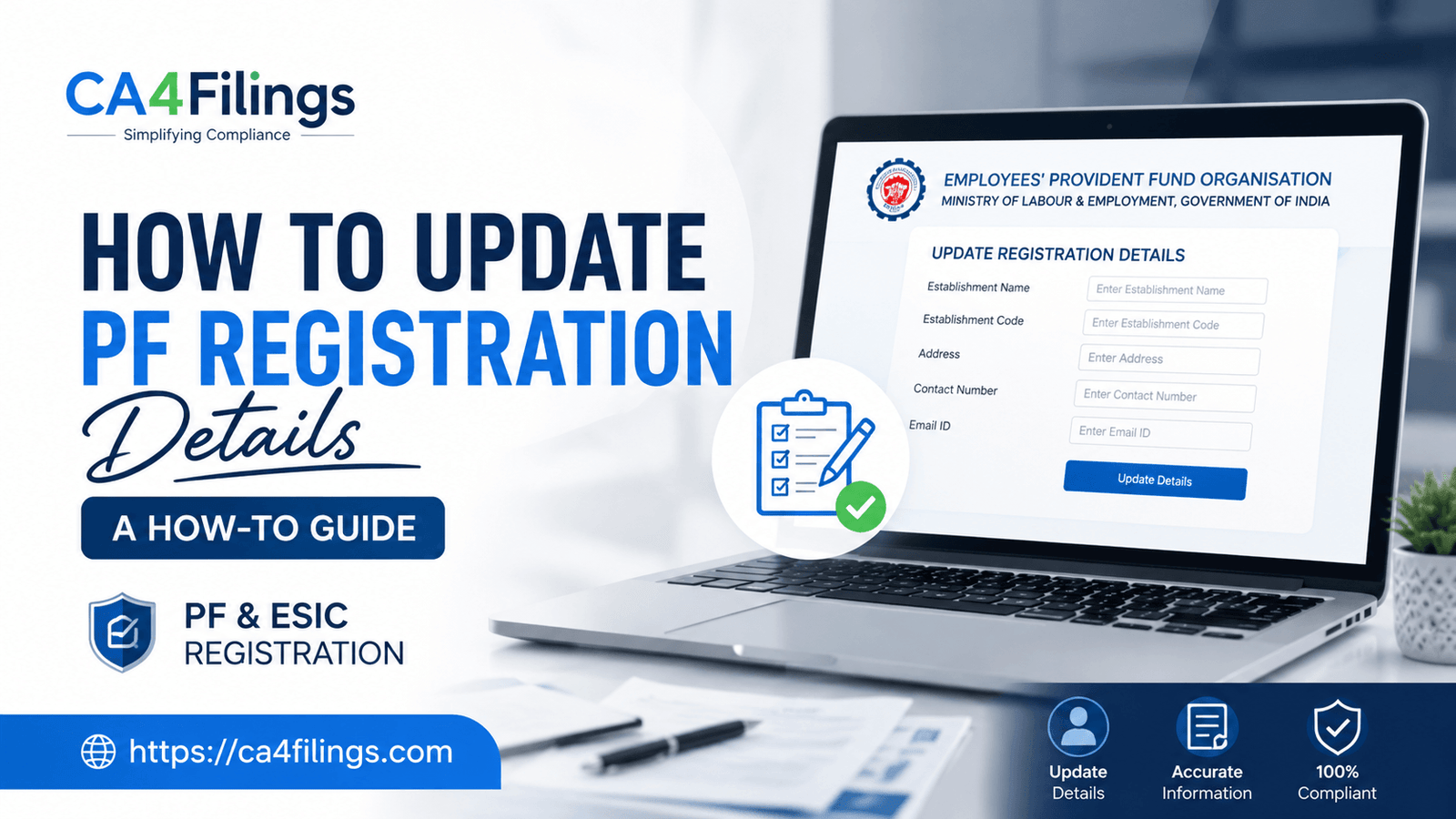
As a business owner or HR professional in India, you already know that navigating the labyrinth of statutory compliance can be quite a task. Whether you are setting up a new business or managing an existing one, ensuring your PF & ESIC Registration is seamless is critical to avoiding future legal hassles. Often, we get queries from clients who find themselves stuck when their business information changes, and they search for 'How to Update PF Registration Details: A How-To Guide' to fix discrepancies in their records.
Maintaining accurate records with the Employee Provident Fund Organization (EPFO) is not just a legal requirement; it is a fundamental aspect of responsible business management. Whether you have moved office locations, changed authorized signatories, or updated your bank details, keeping your EPF registration details current is non-negotiable.
Why is Maintaining Updated PF Account Information Crucial?
When you initially go through the PF registration process, you provide a snapshot of your business at that moment. However, business environments are dynamic. If your PF account information does not reflect your current reality, you risk facing issues during inspections, audits, or when employees try to withdraw their funds.
An outdated profile on the EPFO portal can lead to rejected claims, administrative delays, and even potential penalties from the authorities. Therefore, mastering the process of How to Update PF Registration Details: A How-To Guide is essential for every employer.
Step-by-Step: How to Update PF Registration Details: A How-To Guide
If you are wondering about the exact steps involved in a PF online update, rest assured that the process has become much more streamlined over the years. Here is how you can manage your PF account changes efficiently:
1. Logging into the EPFO Portal
The first step in any PF account update is accessing the employer interface. Visit the official EPFO portal and log in using your establishment’s credentials. Ensure you have your digital signature certificate (DSC) or Aadhaar-based authentication ready, as most significant changes require this level of verification.
2. Navigating to the Establishment Profile
Once logged in, navigate to the 'Establishment' tab on the menu bar. Here, you will find options to view or modify your business profile. This is where you can view your existing EPF registration details and identify what needs to be changed.
3. Modifying Specific Fields
Whether you need to change your address, update the contact information of your authorized signatory, or modify bank account details, the portal offers specific sub-sections for each. When following How to Update PF Registration Details: A How-To Guide, always double-check the documents you are uploading to support these changes. Common documents required include:
Board resolution (for change in directors/signatories)
Revised lease/rent agreement (for address changes)
Cancelled cheque (for bank detail changes)
4. Verification and Submission
After making the necessary PF account changes, the system will prompt you to verify the entries. This is a critical step. Use your DSC to sign the request digitally. Once submitted, the EPFO officers will review the application.
Common Challenges During PF Registration Update
Even with the best intentions, the PF registration update process can sometimes hit a snag. As a CA, I have seen clients struggle with:
DSC Errors: Ensure your browser settings support your DSC hardware.
Document Mismatch: The documents uploaded must clearly match the information being updated.
Pending Approvals: Sometimes, the change might require manual approval from the regional PF office. Patience is key, but follow up if there is an undue delay.
Tips for Smooth PF Account Management
To keep your records clean, consider these expert tips from our team at CA4Filings:
Regular Audits: Don't wait for a discrepancy to occur; audit your EPFO records every six months.
Designated Compliance Officer: Assign one person in your finance or HR team to oversee all PF online update tasks.
Keep Originals Handy: Always keep digitized copies of all legal documents in a single folder for quick access.
Frequently Asked Questions (FAQs)
Is it mandatory to update bank details on the EPFO portal? Yes, it is essential; incorrect bank details can lead to failed transactions and delays in remittances, which can complicate your PF account management.
Can I update my PF registration details without a DSC? For most employer-related profile changes, a Digital Signature Certificate (DSC) is mandatory as it acts as a legal seal for your submission.
How long does the PF online update process usually take? Once submitted with valid documentation, the EPFO portal typically processes requests within 7 to 15 working days, though this can vary by region.
Why is my PF registration update request rejected? Common reasons include incomplete documentation, missing DSC verification, or information that does not match the records held by the Income Tax department.
Let CA4Filings Simplify Your Compliance
We understand that you are busy running your business, and navigating portals can be a distraction from your core growth. At CA4Filings, we specialize in helping businesses stay compliant with ease. If you found this guide on How to Update PF Registration Details: A How-To Guide helpful but would prefer to have experts handle it for you, reach out to us today. We manage the end-to-end process, ensuring your EPFO records are always accurate, updated, and audit-ready.
Latest Updates
ca4filings.com Services



























-registration.png)