How to Renew Your MSME Registration: A Quick Guide
Wondering How to Renew Your MSME Registration: A Quick Guide? Learn the step-by-step MSME renewal process, documents, fees, and benefits extension here.
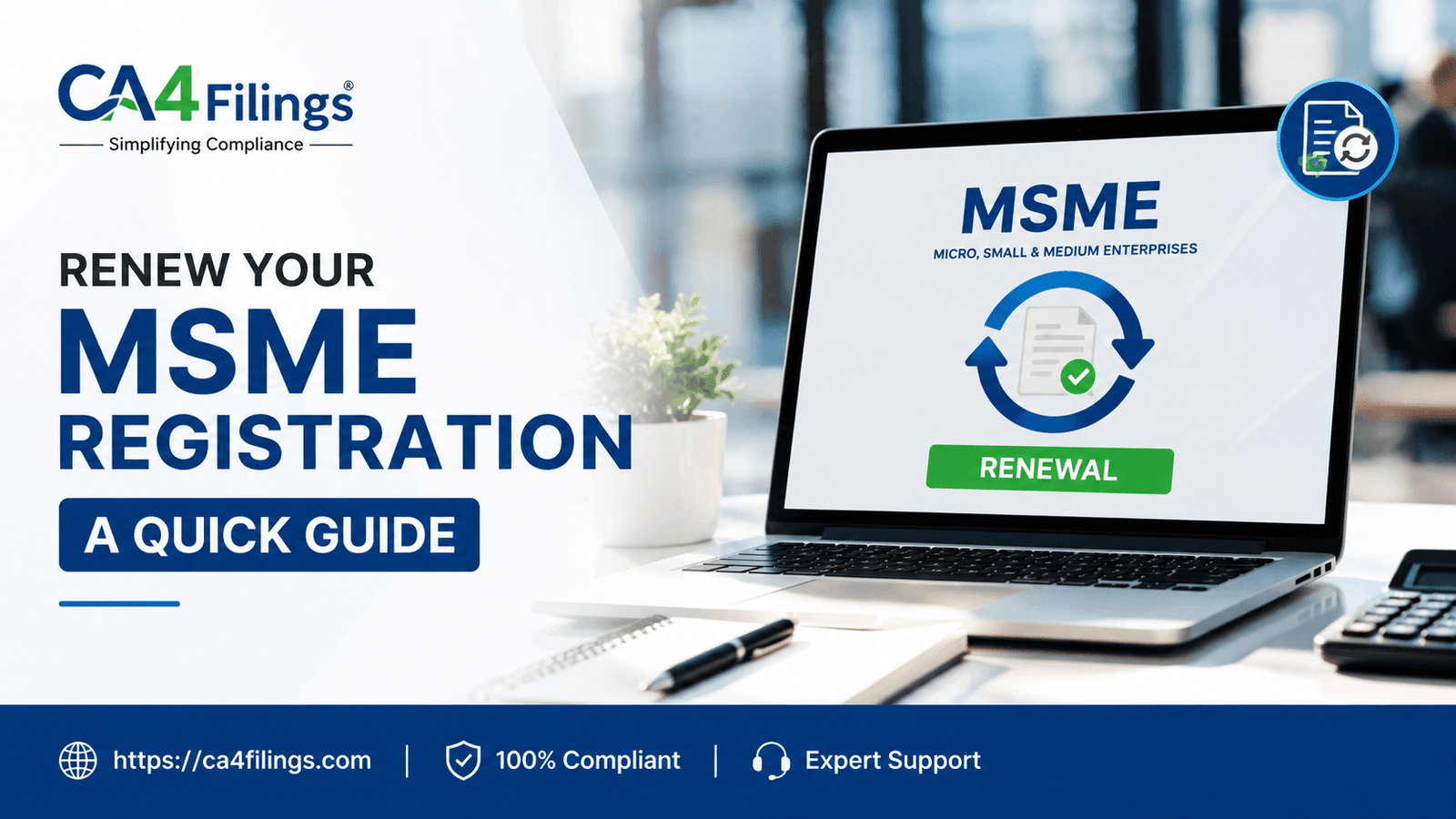
Running a business in India is a thrilling journey, but it also comes with its fair share of compliance. As chartered accountants, one of the most frequent questions we get at CA4Filings from enthusiastic entrepreneurs is: "Sir, my Udyam certificate was issued a couple of years ago. Is it still valid, or do I need to renew it"
If you are a small business owner asking the same question, you have landed in the perfect place. Welcome to How to Renew Your MSME Registration: A Quick Guide. Over the last few years, the Ministry of Micro, Small, and Medium Enterprises has completely streamlined its digital infrastructure. However, a lot of business owners still get confused about whether their certificates expire and how to ensure their access to government subsidies and banking perks remains uninterrupted. Navigating your initial MSME Registration is just the first step; maintaining that registration with accurate, up-to-date financial data is what secures your long-term operational advantages.
Let’s dive deep into everything you need to know about keeping your MSME status completely active and compliant.
Understanding MSME Registration Validity
A common misconception among Indian entrepreneurs is that the Udyam Registration certificate comes with an expiration date, much like a traditional commercial license or a food safety permit.
To clear the air: the modern Udyam certificate has lifetime validity. There is no traditional expiry date stamped on the document. However, "lifetime validity" comes with a major catch. Your MSME registration is only valid as long as the details on the certificate accurately match your latest financial realities.
Because the Udyam portal is directly integrated with the Income Tax and GSTN databases, your investment and turnover figures are automatically pulled by the system every financial year. If your business scales up, or if your ITR filings reflect a shift in numbers, your Udyam profile needs a systematic refresh. This regular data update is practically what the industry refers to as an MSME renewal process.
Why Is an MSME Benefits Extension Crucial for Your Business?
You might wonder, "If my certificate doesn't have an explicit expiry date, why should I bother updating it" The answer lies in the massive basket of incentives offered by the government.
An active and accurate registration ensures a seamless MSME benefits extension. Here is what is at stake if your profile becomes outdated or non-compliant:
Collateral-Free Bank Loans: Under schemes like the CGTMSE, banks offer credit without demanding collateral, but they rigorously verify active Udyam profiles.
Subsidies on Intellectual Property: You enjoy up to a 50% subsidy on patent and trademark registrations.
Delayed Payment Protection: The MSMED Act protects you against buyers who delay payments beyond 45 days. If your registration details are faulty, filing a case with the MSME Samadhaan Council becomes legally complicated.
Electricity and ISO Subsidies: Many states offer concessionary power tariffs and reimbursement for ISO certification expenses to verified MSMEs.
Failing to complete your MSME Registration Renewal on time can cause the system to classify your business incorrectly, leading to a temporary suspension of these vital perks.
How to Renew Your MSME Registration: A Quick Guide – The Step-by-Step Online Process
If you are wondering how to MSME renew online, the process is entirely digital and paperless. The government has integrated the portal to eliminate manual verification delays. Here is a simplified step-by-step layout of the MSME renewal application:
Step 1: Visit the Official Udyam Portal
Always ensure you are using the official government website (udyamregistration.gov.in). Avoid third-party fraudulent websites that mimic government portals. Look for the "Update Details" or "Login" tab on the homepage.
Step 2: Authenticate via Udyam Number and OTP
Enter your unique 19-digit Udyam Registration Number (e.g., UDYAM-XX-00-XXXXXXX). Choose your OTP option—either the mobile number linked with the Aadhaar card or the email address provided during the initial registration. Enter the OTP to access your dashboard.
Step 3: Access the Update/Renewal Section
Once logged in, click on the "Update Details" section. The system will display your existing profile, including your manufacturing/service classification, plant locations, and employment figures.
Step 4: Verify and Sync ITR & GST Data
This is the heart of the updates. The portal will ask if you have filed your Income Tax Return (ITR) and GST returns for the previous financial year. When you give consent, the portal automatically syncs with the CBDT and GST servers to retrieve your updated Gross Turnover and Written Down Value (WDV) of plant and machinery.
Step 5: Update Operational Metrics Manually
While financial figures are auto-fetched, you must manually update details such as:
Total number of active employees (segregated by gender).
Additions or deletions of bank account numbers.
New manufacturing units or corporate office addresses.
NIC codes if you have diversified into new products or services.
Step 6: Final Submission
Review the fields carefully. Mistyped numbers can accidentally downgrade or upgrade your category (e.g., Micro to Small). Click on the final submit button. You will receive a confirmation message, and your updated Udyam certificate will be ready for download within a few working days.
Essential MSME Registration Documents and Eligibility Criteria
Because the portal relies heavily on system integration, the list of physical MSME registration documents you need to upload is virtually zero. However, you must have the following information handy by your side before initiating the update:
Aadhaar Card: The Aadhaar of the proprietor, Managing Partner, or authorized Director is mandatory for OTP validation.
PAN Card: The Permanent Account Number of the business entity (or personal PAN in case of a sole proprietorship).
GSTIN: If your business is legally required to have a GST registration under the CGST Act, your GSTIN is mandatory.
Bank Account Details: The active current account number and IFSC code of the business.
Regarding MSME renewal fees, here is some excellent news straight from the ministry: the government charges absolutely zero fees for updating or renewing your Udyam registration. If a portal asks for a fee, you are likely on a fraudulent website. However, if you choose to take professional help from experts like us at CA4Filings to ensure error-free mapping of NIC codes and financial data, a nominal professional consultation fee applies.
Planning Around the MSME Renewal Timeline
Understanding the MSME renewal timeline is essential to avoid last-minute rushes. Since financial calculations change every year on March 31st, the government typically opens the window for syncing the latest financial year data after ITR filing seasons conclude.
Ideally, you should review and update your Udyam profile between August and December every year, right after you file your audited tax returns. Keeping this annual routine ensures that your banking compliances remain entirely seamless when your cash credit (CC) limits come up for annual review.
Summary Checklist for Small Business Owners
To make things effortless, here is a quick compliance routine check for your business profile:
ITR Status: Ensure the previous financial year's return is successfully filed.
GST Returns: Verify that all 12 monthly or 4 quarterly GST returns are uploaded.
Headcount Data: Keep track of your exact total employee headcount changes.
Bank Mapping: Note down any bank account modifications or changes in IFSC codes.
Portal Sync: Access the Udyam portal to authorize data retrieval.
Frequently Asked Questions
1. Is there a penalty if I don't update my Udyam details annually?
While there isn't an immediate monetary fine, your certificate may show an "un-updated" status. This can prompt commercial banks to halt your interest subvention benefits or cause public sector undertakings (PSUs) to reject your tenders during compliance checks.
2. Can my classification change from Micro to Small during renewal?
Yes. If your turnover exceeds ₹5 Crores or investment exceeds ₹1 Crore, the system automatically upgrades your status from Micro to Small. Don't worry; you will still enjoy an MSME benefits extension, just under the revised tier rules.
3. What if my mobile number linked to Aadhaar has changed?
You must first update your mobile number in the UIDAI (Aadhaar) database. Since the Udyam portal relies exclusively on Aadhaar-based OTPs for secure login, an active linked mobile number is absolutely non-negotiable.
4. Can I add a new branch office during the renewal process?
Absolutely. The portal allows you to add multiple manufacturing plants or units under a single Udyam registration. You can enter the fresh addresses and specify the nature of activities handled at that specific location.
Let CA4Filings Handhold Your Business Compliance
We hope How to Renew Your MSME Registration: A Quick Guide has demystified the entire process for you. While the digital portal is designed to be user-friendly, mismatched NIC codes, wrong configuration of investment values, or faulty synchronization with tax portals can lead to technical glitches or wrong classifications.
At CA4Filings, we act as your dedicated growth partners. We don't just help you understand How to Renew Your MSME Registration: A Quick Guide, we actively manage your business registrations, tax filings, and corporate compliances while you focus entirely on scaling your dreams. Get in touch with our team of expert Chartered Accountants today, and let us handle your annual Udyam updates smoothly and accurately!
Latest Updates
ca4filings.com Services
























-registration.png)