The Ultimate Tutorial on Using the Income Tax Return ITR Form Offline Excel Utility
Struggling with tax season? Our expert guide simplifies using the income tax return itr form offline excel utility for seamless, error-free filings.
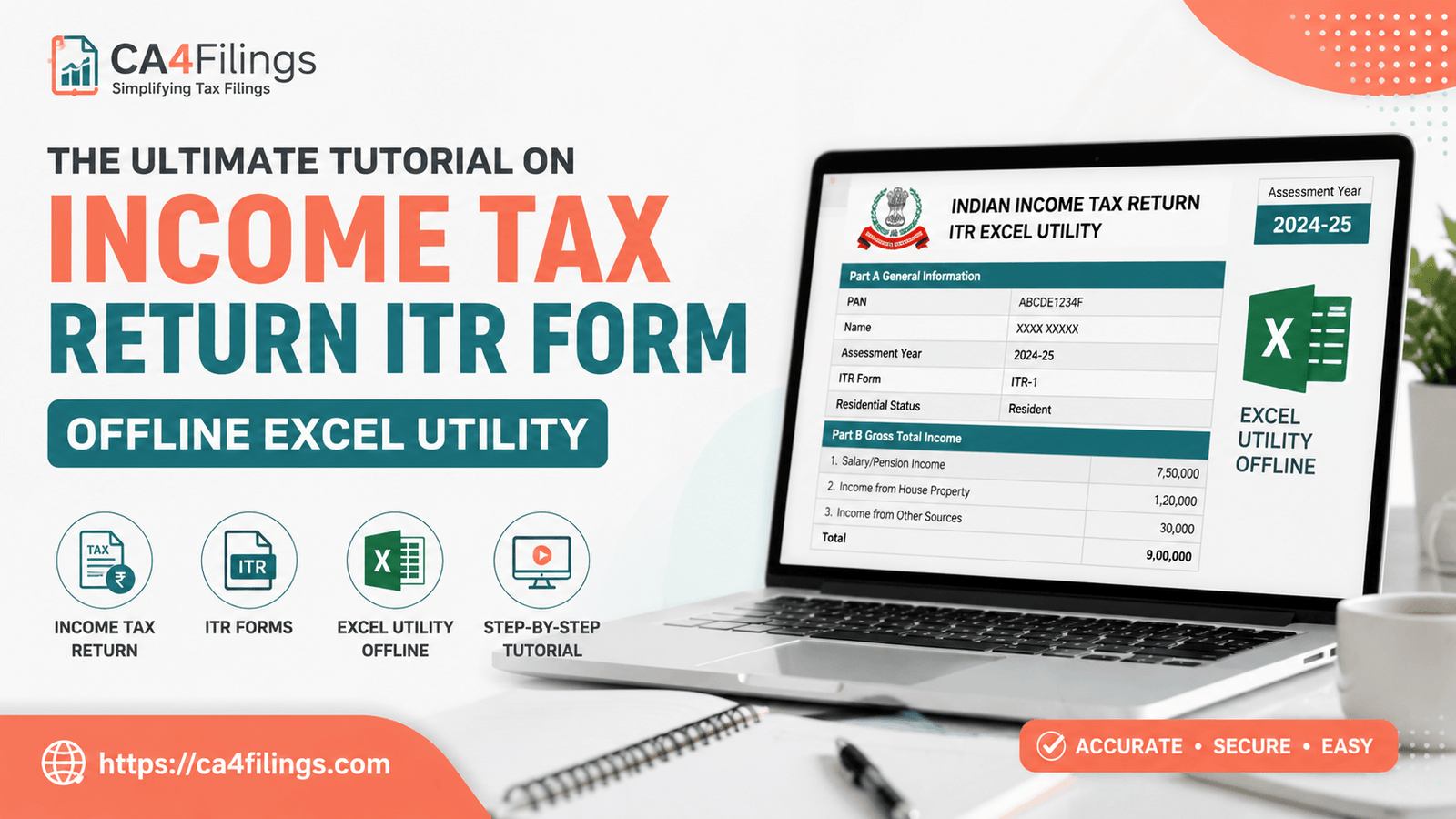
Filing taxes can often feel like navigating a maze, especially when you have complex income streams or multiple investments. Many taxpayers find that their Income Tax Return Filing process is far smoother when they use the official offline tools provided by the department. When you choose to prepare your income tax return itr form using the offline Excel utility, you gain the flexibility to work at your own pace without worrying about session timeouts or slow internet speeds.
At CA4Filings, we often see clients struggle with the transition from physical records to digital portals. The offline utility is designed to bridge this gap, allowing for meticulous data entry before you ever touch the government portal. In this guide, we will walk you through everything you need to know to leverage these tools like a professional.
Why Use the Offline Excel Utility?
The Income Tax Department provides an Excel-based utility to facilitate offline data entry, which is particularly useful for taxpayers with extensive financial data. By using this, you can systematically input your details, calculate tax liabilities, and validate your data before the final submission. It minimizes the risk of errors that often occur when typing directly into a live web browser.
Key Benefits for Taxpayers:
Zero Connectivity Hassles: You don’t need an active internet connection to fill out your forms.
Data Security: Your financial data stays locally on your computer until you are ready to generate the final file.
Error Validation: The utility comes with built-in validation rules that flag common mistakes immediately.
Ease of Review: It is much easier to review a full Excel sheet for accuracy than navigating through multiple web pages.
Step-by-Step: Setting Up Your Offline Environment
To get started, you need to ensure your computer is ready to handle the macro-enabled sheet. The Income Tax Department updates these files annually, so never reuse a file from a previous year.
1. The Schema Download Process
Before you open the Excel file, you must ensure you have the latest schema download. The schema acts as the "bridge" that allows the Excel utility to talk to the Income Tax portal. Without the correct schema, your data might not be compatible with the portal’s validation checks. Always download this directly from the official Income Tax e-filing website to ensure you are working with the latest technical requirements.
2. Working with the Macro-Enabled Sheet
Once you download the utility, you will notice it is a macro-enabled sheet. When you open it, your computer might show a security warning. You must click "Enable Content" or "Enable Macros." If you do not enable macros, the form will not perform the necessary calculations or validations, rendering the tool ineffective.
Executing the Filing Process
Once the utility is open, follow these steps to ensure your income tax return itr form is populated correctly.
Step 1: Inputting Your Data
Start with the "General Information" tab. Fill in your PAN, Aadhaar, and personal contact details carefully. As you move through the sections—Salary, House Property, Capital Gains, and Other Sources—ensure that the figures you input match your Form 16, Form 26AS, and AIS (Annual Information Statement).
Step 2: The Importance of Validation
After filling in all your data, navigate to the "Validate" button. This is the most crucial step. The utility will check for missing fields or logical inconsistencies. Do not skip this; if you generate a file with errors, the portal will reject it during the uploading json process.
Step 3: JSON File Generation
Once validated, you will proceed to the json file generation phase. This process converts your Excel data into a machine-readable format that the Income Tax Department's server requires. Save this file in a folder you can easily locate, as you will need to upload it shortly.
Uploading Your Return and Finalizing
After generating your JSON file, log in to the official Income Tax e-filing portal. Go to the "e-File" menu, select "Income Tax Return," and choose "File Income Tax Return." When prompted, choose the option to upload the JSON file generated by the offline utility.
Once uploaded, the system will perform a final validation. If successful, you can proceed to e-verify your return using Aadhaar OTP or EVC. Your income tax return itr form filing is not complete until this e-verification is done!
Frequently Asked Questions (FAQs)
Q: Can I use the offline utility for all ITR forms?
A: Yes, the department provides specific offline utilities for various types of forms, including ITR-1, ITR-2, ITR-3, and ITR-4. Ensure you download the one corresponding to your specific tax category.
Q: What should I do if the macro-enabled sheet keeps crashing?
A: This usually happens if your version of Microsoft Excel is outdated or if your security settings are too restrictive. Ensure you are using a recent version of MS Office and that your macro security settings allow the file to run.
Q: Is it mandatory to use the offline utility?
A: No, it is not mandatory. You can also file directly through the e-filing portal. However, for those with complex income, the offline utility is highly recommended for accuracy.
Q: How do I know if my JSON file is valid?
A: The utility performs an internal validation before generating the file. If it passes those checks, the JSON is typically valid for the portal.
Expert Assistance from CA4Filings
While the offline utility makes the process more manageable, tax laws in India are constantly evolving. A small mistake in data entry can lead to unnecessary notices or delayed refunds. If you find the technical aspects overwhelming, you don’t have to do it alone.
At CA4Filings, we specialize in simplifying tax compliance for individuals and business owners. From verifying your tax credits to ensuring your income tax return itr form is filed flawlessly, our team is here to handle the complexities while you focus on your growth.
Latest Updates
ca4filings.com Services




























-registration.png)