Step-by-Step Guide: How to File ITR Online for Rental Income
Struggling with rental income taxes? Learn how to file itr online for house property income with this expert guide from CA4Filings. Simplify your taxes.
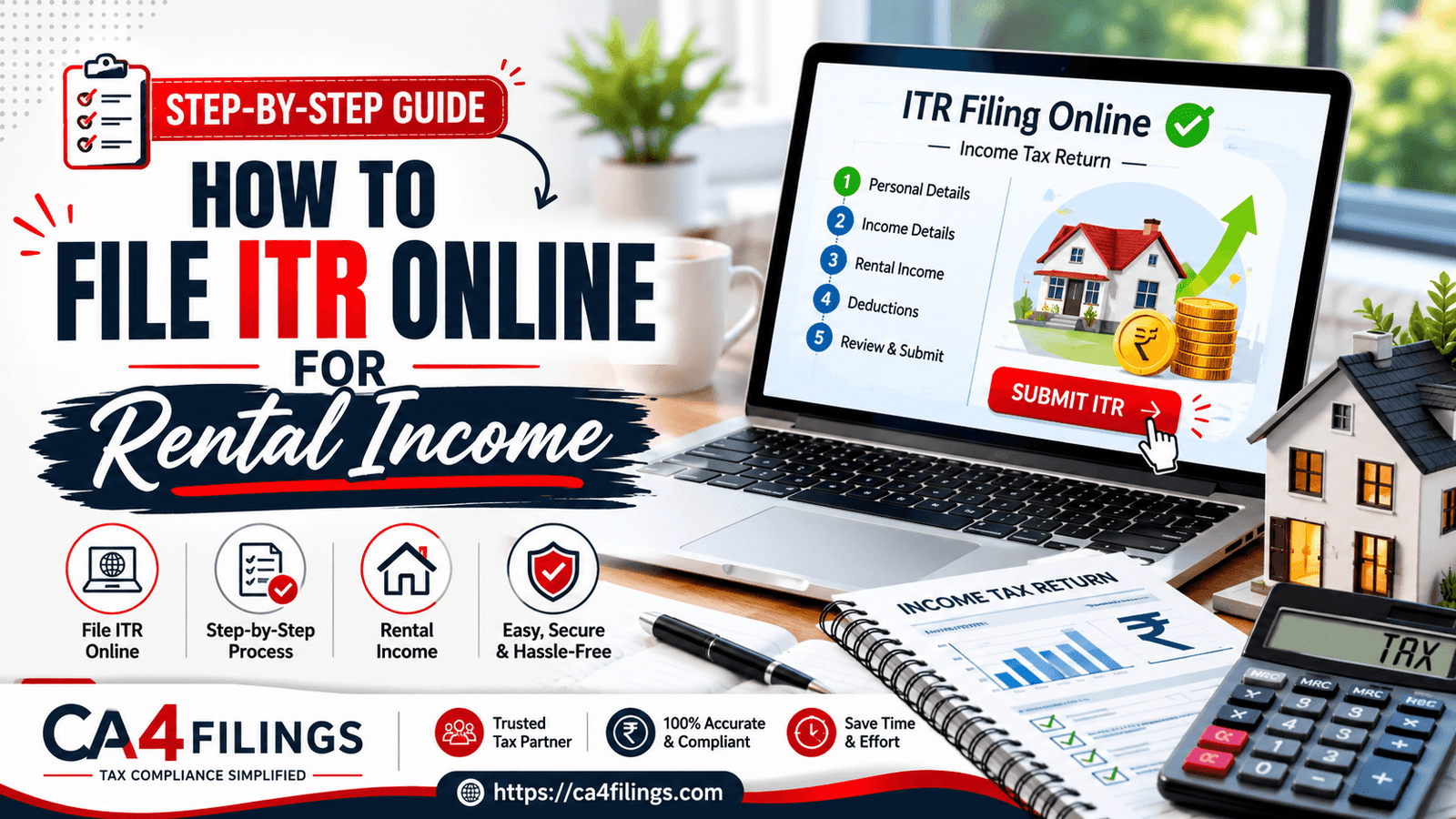
Managing rental income can often feel like a complex puzzle, especially when it comes to reporting it correctly to the Income Tax Department. Many landlords worry about the tax implications of their house property income, but with the right approach, the process becomes quite straightforward. If you are looking for professional assistance to Income Tax Return Filing, our team at CA4Filings is here to simplify every step for you. When you decide to file itr online, understanding the specific provisions for rental properties is the first key to compliance and tax efficiency.
Understanding Rental Income Taxation in India
In the eyes of the Income Tax Act, any income earned from renting out a house, flat, or commercial space is categorized as "Income from House Property." Whether you are a salaried individual with a side rental income or a full-time property investor, you must report this accurately.
Many taxpayers mistakenly assume that only their salary or business income needs to be reported. However, failing to disclose rental income can lead to scrutiny. When you file itr online, you are essentially providing the government with a transparent view of your total earnings, which is why precision is vital.
Key Deductions and Benefits
Before you jump into the filing portal, you need to know how to calculate your net taxable rental income. You aren't taxed on the gross rent; you are taxed on the "Net Annual Value."
Standard Deduction on Rent
The law provides a flat 30% standard deduction on rent from the Net Annual Value. This deduction is allowed to cover expenses like repairs, maintenance, and insurance, regardless of whether you actually spent that much. It is a massive relief for landlords because it reduces your taxable base automatically.
Claiming Home Loan Interest
If you have financed your property with a loan, the interest paid is a deductible expense. Under section 24(b), you can claim a deduction for the interest paid on a home loan for a let-out property without any upper limit. This often results in a loss under the "House Property" head, which can be set off against your salary or other income, effectively lowering your overall tax liability.
Identifying the Right ITR Form
Selecting the correct form is the most confusing part for many taxpayers. If you have rental income, you cannot use simple forms like ITR-1 (Sahaj). Instead, you generally need to use ITR 2 if you do not have business or professional income.
ITR 1: Only for individuals with salary, one house property, and other sources (interest). NOT applicable if you have multiple properties or capital gains.
ITR 2: This is the standard form for individuals and HUFs not having income from profits and gains of business or profession. This is where you declare your rental income details.
Step-by-Step Guide: How to File ITR Online
Follow these steps to ensure your process is seamless when you file itr online:
Gather Documents: Keep your Rent Agreements, Municipal Tax receipts, and Home Loan interest certificates ready.
Login to the Portal: Go to the official Income Tax e-filing portal and log in using your PAN and password.
Select the Assessment Year: Ensure you are selecting the correct Assessment Year for the financial year that has just concluded.
Fill the 'Income from House Property' Schedule:
Enter the Gross Rent received.
Deduct municipal taxes paid.
Apply the 30% standard deduction on rent.
Enter your home loan interest details.
Declare Co-owned Property: If you hold a co-owned property, you must report the income in proportion to your share. Ensure your co-owner does the same to avoid discrepancies in the tax department's records.
Verify and Submit: Always preview your return before final submission to ensure all numbers match your documents.
Common Pitfalls to Avoid
Even seasoned investors make mistakes. A common error is failing to reconcile the rent declared in your ITR with the TDS deducted by the tenant (if applicable). Furthermore, if you own multiple houses, remember that the "Self-Occupied" status is limited to only two houses; any additional property is deemed "Let Out," and you must pay tax on its "Notional Rent," even if it is currently vacant.
Frequently Asked Questions
Is it mandatory to file ITR online if I have rental income?
Yes, if your total income exceeds the basic exemption limit, you must file a return. Even if your income is below the limit but you have TDS deducted on your rent, filing a return is the only way to claim a refund.
Can I claim the standard deduction on rent if I don't have maintenance expenses?
Absolutely. The 30% standard deduction on rent is a statutory deduction allowed by law regardless of your actual expenditure.
How do I handle rental income for a co-owned property?
For a co-owned property, both owners should declare their respective shares of the income and deductions in their own ITR forms based on their ownership percentage.
Does the ITR 2 form require details of the tenant?
Yes, the ITR 2 form asks for the PAN or Aadhaar of the tenant, especially if TDS has been deducted. Ensure you have these details from your rent agreement.
Why should I file itr online through a professional service?
Using an expert service helps you avoid errors in tax computation, ensures you claim all available deductions like home loan interest, and keeps you compliant with the latest tax laws.
Secure Your Financial Future with CA4Filings
Navigating the tax portal can be daunting, but you don't have to do it alone. Whether you are dealing with multiple properties, complex co-owned property calculations, or simply need to ensure your ITR 2 is filed perfectly, our team is here for you.
At CA4Filings, we specialize in helping individuals and business owners stay tax-compliant without the stress. Don’t wait for the last-minute rush—let our experts handle your filings so you can focus on growing your investments.
Latest Updates
ca4filings.com Services



























-registration.png)