How to Change Your Bank Account Details Online for a Stuck Refund ITR
Stuck waiting for your money? Learn how to update bank details online to receive your refund itr. Follow this guide from CA4Filings to resolve issues.
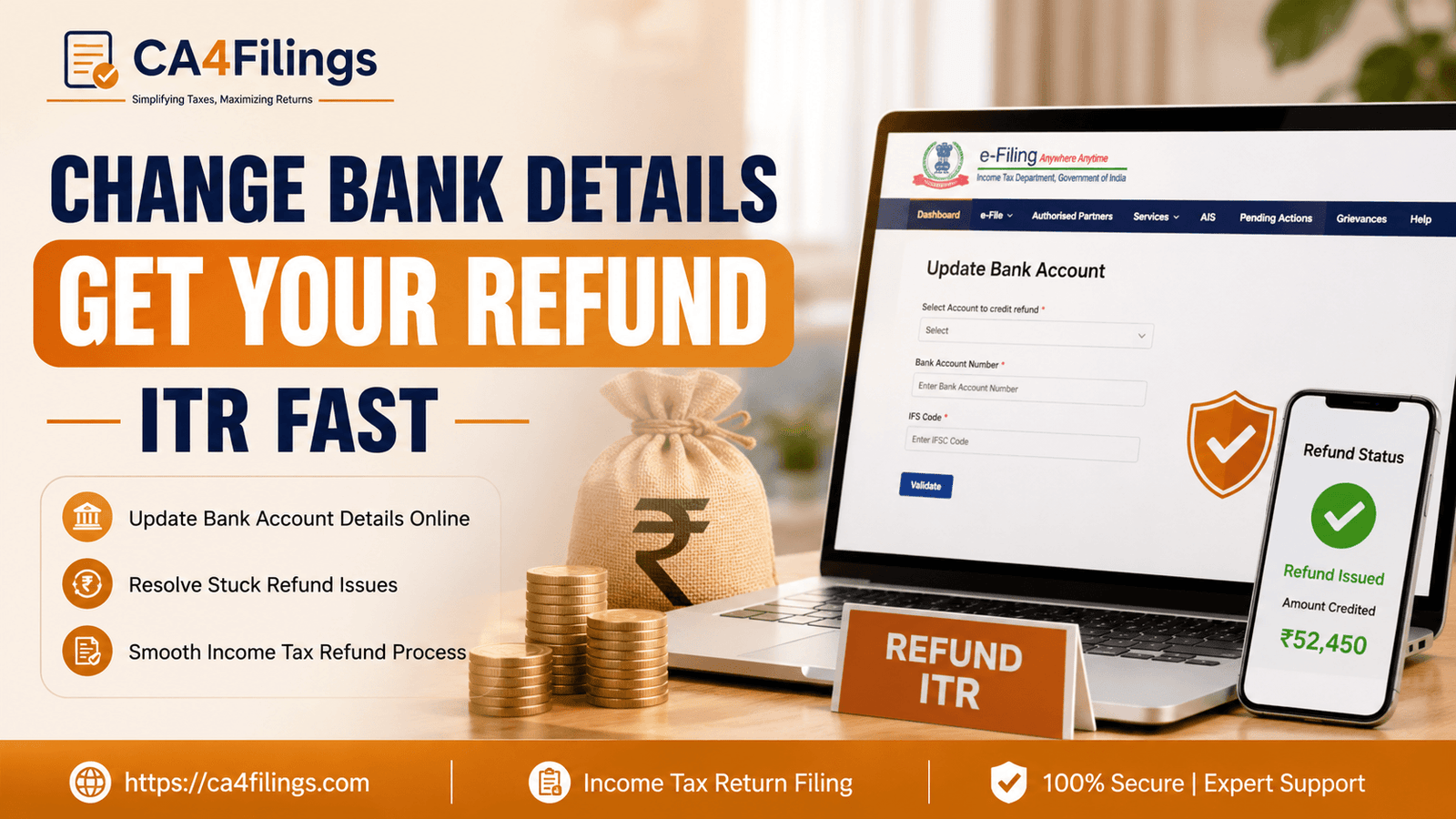
It is a common scenario: you have filed your taxes, the processing is complete, and you are eagerly awaiting that refund itr to hit your bank account. Then, suddenly, you receive an intimation notice stating that your refund could not be credited. There is nothing more frustrating for a taxpayer than seeing their hard-earned money held up due to a simple administrative hurdle. At CA4Filings, we often assist clients who have completed their Income Tax Return Filing with precision, only to find that a technicality in their bank account details has stalled the process.
The good news is that the Income Tax Department has streamlined the mechanism to rectify these issues online. You don’t need to visit an office or deal with endless paperwork. If you are struggling with a pending refund itr status, this guide will walk you through exactly how to fix it.
Why Did Your Refund IT-Return Fail?
Before we jump into the "how-to," let’s look at the "why." Often, the department processes the refund itr, but the electronic transfer fails. This usually happens due to:
Bank account validation failed: The bank account you pre-validated on the e-filing portal is either closed, inactive, or not linked to your PAN.
Name mismatch: The name on your PAN card does not perfectly match the name registered with your bank.
Incorrect IFSC code: Even a minor typo in the bank details can lead to a failed transaction.
Account freeze: If your account is dormant or under a "Know Your Customer" (KYC) block, the credit will bounce.
Step-by-Step Guide: How to Update Details for Your Refund ITR
If you receive a message regarding a failed credit, don't panic. Follow these steps to update your information and clear the path for your refund itr.
Step 1: Login to the E-Filing Portal
Log in to the official Income Tax e-filing portal using your PAN and password. Once you are on your dashboard, check the 'Pending Actions' tab. If there is an issue with your refund itr, you will likely see a notification there.
Step 2: Validate Your Bank Account
The Income Tax Department requires you to have at least one active bank account linked to your PAN on the portal. To check or add a new account:
Navigate to the 'Profile' section.
Click on 'My Bank Account'.
Ensure the status shows 'Validated'. If it says 'Validation Failed', you must re-add the details carefully.
Step 3: Fixing the IFSC Code and Personal Details
If the error was due to an ifsc code update, ensure you are using the latest IFSC provided by your bank. Banks frequently undergo mergers, and old codes may no longer be functional. If your name in the bank records is different (e.g., your middle name is missing on the bank account but present on your PAN), you must get your bank to update the name to match your PAN exactly. This is the most common name mismatch fix required for successful transfers.
Step 4: Re-issuing the Refund
Once your new bank account is validated, go to the 'Services' tab and select 'Refund Re-issue'. Click on 'Create Refund Re-issue Request'. Select the appropriate assessment year and the validated bank account where you want to receive the refund itr.
Tips for a Faster Instant Refund Credit
While there is no "magic button" for an instant refund credit, you can certainly speed up the process by being proactive.
Ensure E-Verification: Always e-verify your returns immediately after filing. A pending verification is the primary reason for a delayed refund itr.
Keep your KYC Updated: Every six months, check your bank app to ensure your KYC status is active.
Pre-validate Multiple Accounts: We always advise our clients at CA4Filings to pre-validate at least two different bank accounts on the portal. If one fails, the system can attempt credit to the secondary account.
Frequently Asked Questions (FAQs)
1. How long does it take to get my refund itr after updating bank details?
Once you submit a 'Refund Re-issue' request, the department generally processes it within 15 to 30 days. However, this depends on the current workload of the CPC (Centralized Processing Center).
2. Is it mandatory to link Aadhaar with the bank account for a refund itr?
While PAN-Aadhaar linking is mandatory for filing, having your bank account linked to your PAN is the most critical factor for a refund itr.
3. What if I don't have an active bank account?
You cannot receive a refund via cheque anymore. You must open or reactivate an account to ensure you can receive your refund itr.
4. My bank account validation failed repeatedly. What should I do?
If the portal consistently shows a failure, contact your bank branch to ensure your PAN is correctly updated in their core banking system. Often, the bank's database doesn't match the tax department's database, causing the bank account validation failed error.
Navigating the complexities of tax laws can be daunting, but ensuring you receive your refund itr shouldn't be a chore. By maintaining accurate bank records, ensuring your ifsc code update is current, and performing a quick name mismatch fix if needed, you can resolve these issues efficiently.
If you find yourself stuck or confused by the portal's notifications, remember that you don’t have to do it alone. At CA4Filings, we specialize in making tax compliance seamless for you. Whether you are dealing with a stalled refund itr or need assistance with complex tax planning, our team of experts is here to provide the support you need. Contact CA4Filings today and let us handle the paperwork so you can focus on what matters most—growing your business and your wealth!
Latest Updates
ca4filings.com Services



























-registration.png)