Got Multiple Form 16s? Here is How to Fill ITR Online Correctly
Confused by multiple Form 16s? Learn how to combine them and fill ITR online correctly to avoid tax errors. Expert guidance from CA4Filings.
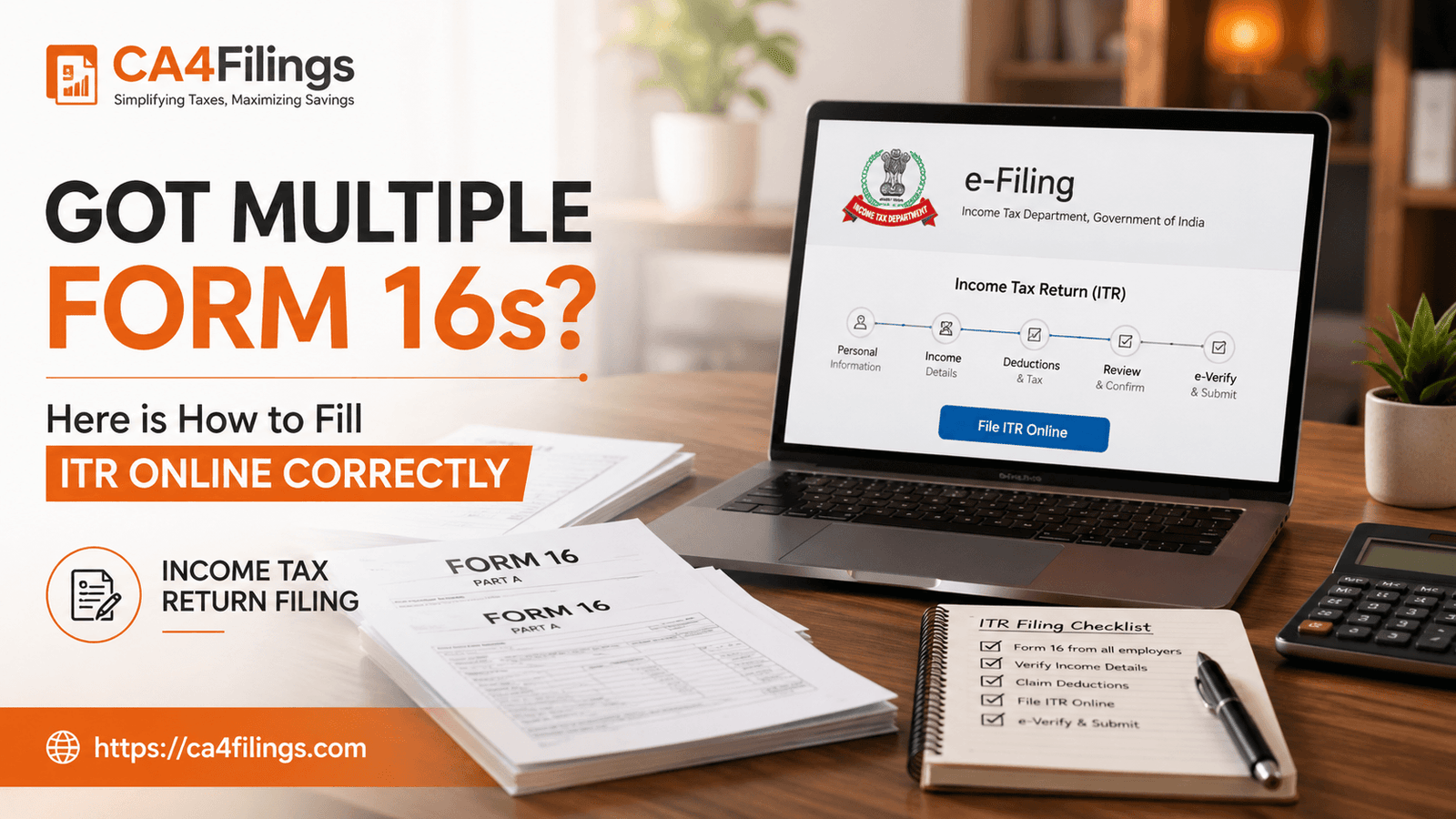
It is that time of the year when the inbox gets flooded with emails from HR departments, and if you have switched jobs recently, you might be staring at two or more Form 16s. Dealing with an income tax form 16 can feel daunting enough for a single employer, but handling multiple documents often leads to panic. At CA4Filings, we help hundreds of professionals streamline their Income Tax Return Filing to ensure they stay compliant without losing sleep. Whether you are a salaried individual or an aspiring entrepreneur, getting your tax filing right is the first step toward financial peace of mind.
Why Multiple Form 16s Occur
When you change jobs during a financial year, each employer issues a separate income tax form 16 covering the period you were on their payroll. It is crucial to understand that the Income Tax Department views your total earnings as a combined income. The challenge arises because each employer treats you as a standalone employee, often applying independent tax deductions without knowing your previous salary or tax history.
The Common Pitfall: Double Standard Deduction Error
One of the most frequent mistakes we see at CA4Filings is the double standard deduction error. A standard deduction of ₹50,000 is allowed per taxpayer, not per employer. If you simply add the figures from your various forms without adjusting this, you will end up claiming the exemption multiple times. This flags your return for scrutiny, leading to avoidable notices from the tax department. To fill ITR online correctly, you must aggregate your salary, HRA, and professional tax, and then apply the standard deduction only once.
Step-by-Step: How to Handle Income Tax Form 16 During Job Change
To simplify your job change tax filing, follow these professional steps:
Consolidate Your Documents: Collect all parts of your income tax form 16 from every employer. Ensure you have the Annexure B for each as well, as it provides a detailed break-up of your salary components.
Reconcile with Form 26AS: Before you start to fill ITR online, log into your Income Tax e-filing portal and download your Form 26AS. Compare the TDS reflected there with what your employers have deducted. Any discrepancy must be resolved immediately.
Calculate Combined Income: Manually prepare a spreadsheet. Add the gross salary from all employers. Deduct the exempted allowances like HRA, LTA, and Transport Allowance as per the respective investment declarations you made.
Account for Tax Due Calculation: Calculate the total tax liability on your combined income. Subtract the total TDS already deducted by all employers. If the tax paid is less than the actual liability, you will have a tax due calculation that requires you to pay the balance via a self-assessment tax challan before submitting your return.
Best Practices for Filing
Don't ignore the previous salary: Always disclose your previous salary to your current employer at the start of the year. This helps them deduct the correct amount of TDS, making your final job change tax filing process seamless.
Verify Deductions: Ensure that deductions under Chapter VI-A (like 80C, 80D) are claimed only once in total, even if they appear in multiple forms.
Check AIS: The Annual Information Statement (AIS) is now a critical document. Ensure that the interest income and other earnings mentioned match your records.
Frequently Asked Questions
What happens if I make a double standard deduction error?
The income tax portal's validation engine usually catches this, but if it slips through, you will likely receive a defective notice under Section 139(9). It is better to file correctly the first time.
Is it mandatory to show salary from the previous employer?
Yes. Your tax liability is calculated on your total annual income. Hiding income from a previous employer is non-compliance and will lead to penalties.
What if I did not disclose my previous salary to my current employer?
If you didn't disclose it, your current employer likely under-deducted TDS. You will have to calculate the tax due calculation yourself and pay the self-assessment tax online before filing your ITR.
Which ITR form should I use when I have multiple Form 16s?
Generally, most salaried individuals use ITR-1. However, if you have multiple sources of income or capital gains, you may need to use ITR-2.
Professional Support for Your Tax Journey
Managing income tax form 16 from multiple sources is a standard procedure for us, but for a taxpayer, it is often a source of stress. You do not have to navigate the complexities of the tax portal alone. At CA4Filings, our team ensures that every deduction is calculated correctly and your tax due calculation is accurate to the last rupee.
Do not let tax season overwhelm you. Let our experts handle the paperwork so you can focus on your career growth. Contact CA4Filings today to ensure your income tax form 16 is processed perfectly and your ITR is filed with precision.
Latest Updates
ca4filings.com Services



























-registration.png)