How to File GST Returns for E-commerce Businesses
Struggling with compliance? Learn how to file GST returns for e-commerce businesses with this step-by-step guide from the experts at CA4Filings.
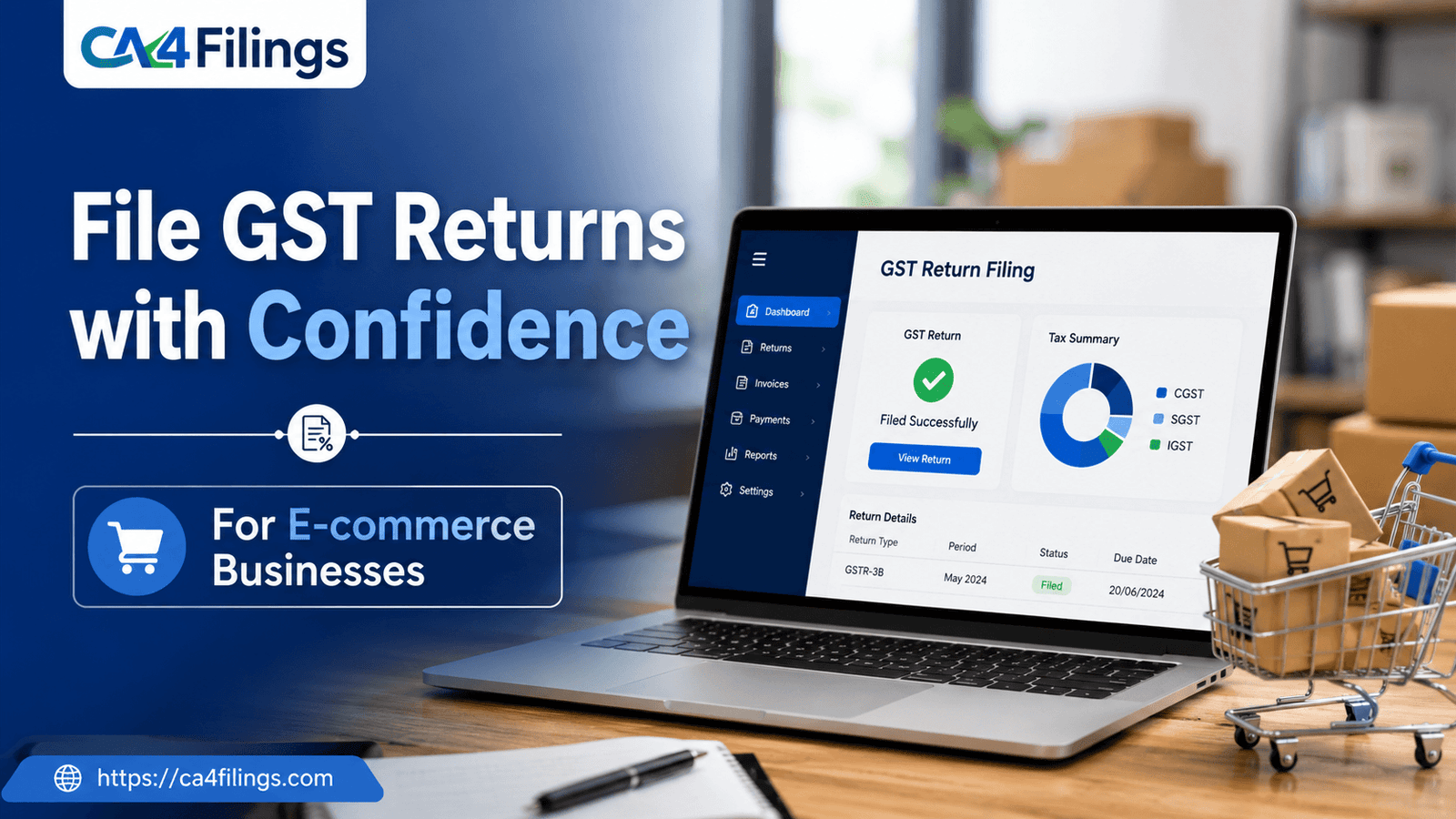
Running an online store in India is an exciting journey, but let’s be honest—the compliance part often feels like a hurdle you’d rather jump over. If you are selling on platforms like Amazon, Flipkart, or your own website, understanding how to file GST returns for e-commerce businesses is not just a legal requirement; it is the backbone of a sustainable business. Many sellers reach out to us at CA4Filings feeling overwhelmed by the complexities of the portal, which is why we specialize in simplifying GST Return Filing to keep your operations running smoothly without the stress of notices or penalties.
In this guide, we will break down exactly what you need to know, avoid the jargon, and give you a roadmap to handle your filings like a pro.
The Unique GST Landscape for E-commerce
Unlike traditional offline retail, e-commerce involves a unique transaction flow: the seller, the buyer, and the e-commerce operator (ECO). Because the ECO collects money on your behalf, the government introduced the concept of Tax Collected at Source (TCS).
This means your GST filing isn't just about your sales; it’s about reconciling the data reported by your platform with your own records. If you are wondering how to file GST returns for e-commerce businesses, the first step is realizing that your responsibility starts with accurate record-keeping from Day 1.
Step-by-Step: How to File GST Returns for E-commerce Businesses
Filing GST returns is a cyclical process. Here is the workflow we follow at CA4Filings to ensure our clients stay compliant.
1. Maintain Precise Sales Records
Before you even touch the GST portal, ensure your backend data is clean. You need to keep track of:
B2B Sales: Supplies made to registered taxable persons.
B2C Sales: Supplies made to unregistered consumers.
Export Sales: Goods shipped outside India.
2. Monitor TCS Statements
As an e-commerce seller, you will see TCS entries in your GSTR-2A/2B. You must verify these entries. If the platform has collected TCS on your sales, that amount shows up in your Electronic Cash Ledger. You can use this balance to offset your final tax liability.
3. Filing GSTR-1 (Outward Supplies)
This is where you report all your sales. For e-commerce, ensure you correctly categorize your sales. If you sell through multiple platforms, aggregate these figures carefully. Our advice is to use an automated tool or an Excel template to summarize this data before uploading it to the portal.
4. Filing GSTR-3B (Summary Return)
GSTR-3B is where you declare your total sales and Input Tax Credit (ITC). You must calculate your output tax liability, subtract the available ITC, and pay the balance. Many sellers miss out on claiming the right ITC on shipping charges or packaging materials—don’t be one of them!
Key Challenges Sellers Face
We often hear from clients who struggle with the "Reconciliation Gap." This happens when the sales you recorded in your accounting software don't match the figures uploaded by the e-commerce operator.
When you learn how to file GST returns for e-commerce businesses, you learn that reconciliation is non-negotiable. Mismatches lead to automated scrutiny notices. Always reconcile your GSTR-2B with your purchase register monthly.
Best Practices for E-commerce Compliance
Separate Accounts: Never mix personal expenses with business accounts. It makes auditing a nightmare.
Stay Updated: GST rules evolve. What worked last year might have changed today.
Use Cloud Accounting: Tools like Tally or Zoho Books can sync with your GST login, saving you hours of manual entry.
Frequently Asked Questions
Is it mandatory for all e-commerce sellers to register for GST?
Yes. Unlike offline sellers who may have a threshold exemption, if you are selling through an e-commerce platform, mandatory GST registration is required regardless of your turnover.
What happens if I miss the filing deadline?
Missing a deadline invites late fees and interest. For GSTR-3B, the late fee is calculated per day of delay. It is always cheaper to file a "Nil" return on time than to pay penalties later.
How does TCS affect my GST payment?
TCS is essentially a prepaid tax. When you file your GSTR-3B, the amount of TCS collected by the marketplace is available in your Cash Ledger, which you can use to reduce the actual cash outflow for your tax liability.
Can I file GST returns myself?
Technically, yes. However, how to file GST returns for e-commerce businesses involves intricate reconciliation that often requires professional oversight to prevent errors that could lead to your GSTIN being suspended.
Let CA4Filings Handle the Heavy Lifting
Mastering how to file GST returns for e-commerce businesses is a skill, but as a business owner, your time is best spent on scaling your products and reaching more customers. Why get bogged down in input tax credits and portal glitches?
At CA4Filings, we act as an extension of your business. We don't just file your returns; we ensure your tax strategy is optimized to help you save more. Don’t let compliance become a bottleneck. Reach out to our team at CA4Filings today, and let’s keep your business audit-ready, compliant, and thriving!
Latest Updates
ca4filings.com Services























-registration.png)