How to Utilize DSC in Compliance with GST Regulations
Learn how to utilize DSC in compliance with GST regulations. Avoid errors, secure transactions, and streamline your GST filing with expert tips.
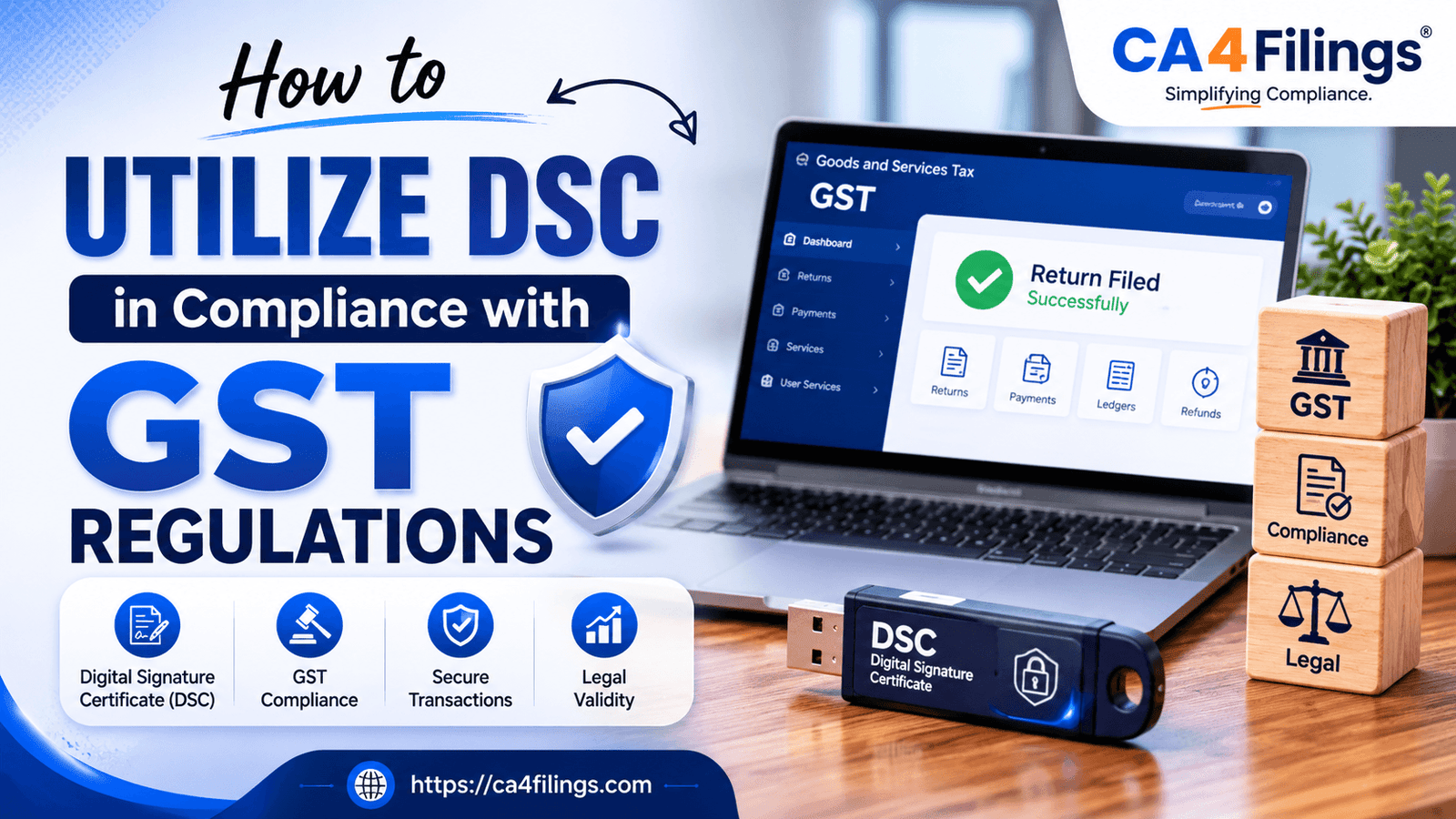
If you are running a business in India, you are likely no stranger to the Goods and Services Taxes (GST) portal. From filing monthly returns to responding to notices, almost everything has moved online. But as we transition deeper into the era of digital transactions, the government has placed a massive emphasis on data security and legal compliance. This is exactly where the Digital Signature Certificate comes into play. If you have ever wondered how to maintain airtight authentication while submitting your returns, understanding how to utilize DSC in compliance with GST regulations is absolutely vital.
At CA4Filings, we frequently meet business owners who view these certificates as just another tech hurdle. In reality, it is your digital identity shield. It ensures that your signatures cannot be forged and that your business stays on the right side of tax laws. If your business is structured as a Private Limited Company, a Limited Liability Partnership (LLP), or a Foreign Company, using an electronic signature is not optional—it is a strict legal requirement. For others, like sole proprietorships, it remains a highly secure alternative to OTP-based verification. If you do not have one yet, or need an upgrade, you can quickly get your DSC (Digital Signature Certificate) Registration sorted out to ensure your business continuity without any compliance breaks.
Understanding the Legal Requirements Under GST Laws
The shift toward a paperless tax administration required a robust mechanism to verify the identity of the taxpayer. Under the Information Technology Act and the specific provisions of GST laws, digital transactions carry the same legal weight as traditional physical paperwork.
When you sign a document on the GST portal using a valid certificate, you are fulfilling a core component of signature authentication. This process gives the tax department legal assurance that the return was filed by the authorized signatory and that the data has not been tampered with mid-transit. Essentially, it provides "non-repudiation," meaning you cannot later claim that someone else filed those figures without your knowledge.
Why Data Security Matters in Your Daily GST Filing
Many taxpayers wonder why an OTP sent to a mobile phone (Electronic Verification Code or EVC) isn't always enough. While EVC is convenient for small taxpayers, it relies heavily on mobile network security and email access.
A cryptographic e-signature, however, offers a much higher layer of data security. It locks the encrypted data of your tax return with a secure hardware token (usually a USB drive called an e-token). When studying how to utilize DSC in compliance with GST regulations, you quickly realize that this method completely mitigates the risk of unauthorized access. Even if an employee or an external consultant manages your portal login details, they cannot finalize a submission without physical possession of the token and its specific security PIN.
Step-by-Step: How to Utilize DSC in Compliance with GST Regulations
Using your certificate on the government portal requires a one-time setup and a specific sequence of actions during your routine filings. Here is a practical roadmap to get it right:
1. Register the Certificate on the GST Portal
Before you can sign any return, the portal needs to recognize your specific certificate.
Log in to the GST common portal.
Navigate to your profile settings and select "Register/Update DSC".
Select the authorized signatory from the drop-down list.
Plug in your USB token, choose your certificate, and click sign.
2. Prepare and Validate Your Return Data
Whether you are filing GSTR-1 (outward supplies) or GSTR-3B (monthly summary), ensure your data reconciles perfectly with your books of accounts. The certificate is applied at the final stage of submission.
3. Initiate the Signing Process
Once your data is saved and submitted, the portal will present two options: "File with EVC" or "File with DSC". Select the latter.
4. Run the emSigner Utility
The portal uses a background software utility called emSigner to bridge the web browser and your physical USB token. Ensure this utility is running on your computer as an administrator, otherwise, the portal will throw an error.
5. Enter the Token PIN to Complete Authentication
A pop-up window will ask for your secure certificate password. Once entered, your return is digitally stamped, a unique Acknowledgement Number (ARN) is generated, and your legal compliance for that period is secured.
Practical Compliance Tips for Indian Business Owners
Over the years, our team at CA4Filings has observed common operational pitfalls that lead to compliance delays or system errors. Here are a few expert compliance tips to keep your digital workflows smooth:
Keep Track of Expiry Dates: These certificates are typically issued with a validity of 1 or 2 years. A lapsed certificate can halt your GSTR-1 or GSTR-3B filings, leading to severe late fees and interest penalties. Check your expiry dates at least a month in advance.
Match PAN Details Exactly: The name on your certificate must match the name on your PAN card and your GST registration profile character for character. Even a missing middle name or a spelling variation will cause the portal to reject the registration.
Never Share Your Token PIN: Treat your cryptographic token like your bank debit card. Avoid sharing the PIN over text or email with staff members.
Common Technical Bottlenecks and How to Fix Them
It is incredibly common to face technical glitches when trying to sign your returns. If the portal stalls during the signature authentication phase, try these quick troubleshooting steps:
| Common Issue | Root Cause | Quick Solution |
|---|---|---|
| "Failed to establish connection to the server" | The emSigner utility is not running or port 1585 is blocked. | Restart emSigner as an administrator and ensure your Java version is updated. |
| Certificate name not showing up | The USB driver for the specific token is missing. | Open 'My Computer', click on the token drive, and run the setup file to install the driver. |
| Browser compatibility errors | Google Chrome or Microsoft Edge security updates blocking scripts. | Clear your browser cache or try opening the portal in an Incognito/Private window. |
Frequently Asked Questions
Is it mandatory for all businesses to use a DSC under GST?
No, it is not mandatory for everyone, but it is strictly compulsory for specific business constitutions. Companies (Public and Private), Limited Liability Partnerships (LLPs), and Foreign Entities must sign their filings using a certificate. Sole Proprietorships and Partnership firms have the option to use either EVC (OTP) or a certificate.
Which class of certificate is required for GST compliance?
As per the latest regulatory guidelines, Class 3 certificates are standard for all tax filings, MCA portals, and e-tendering processes in India. Older Class 2 certificates are no longer issued.
Can one certificate be used for multiple GSTINs?
Yes. If an individual is the authorized signatory for multiple businesses or holds multiple state-wise registrations under the same PAN, the same physical certificate can be registered and used across all those portal accounts.
What should I do if my authorized signatory changes?
If your designated signatory leaves the organization, you must update the non-core field amendment on the GST portal to add the new signatory’s details. Once approved, the new individual's certificate must be registered on the portal before any further filings can be performed.
Staying Ahead with Corporate Compliance
Mastering how to utilize DSC in compliance with GST regulations is more than just a box-ticking exercise; it is a fundamental practice for protecting your business from data vulnerabilities and legal disputes. By establishing structured protocols around your electronic signature workflows, you ensure your tax filings remain pristine, accurate, and completely unassailable from a legal perspective.
Keeping up with evolving tax regulations can feel overwhelming when you are focused on scaling your daily business operations. Let our team of experienced professionals handle the heavy lifting for you. From securing your digital certificates to seamless monthly filings, CA4Filings is here to guide you every single step of the way. Reach out to us today, and let’s streamline your corporate compliance together!
Latest Updates
ca4filings.com Services
























-registration.png)