How to Correct Errors on Your PAN Card: A Complete Guide
Learn How to Correct Errors on Your PAN Card: A Complete Guide by CA4Filings. Fix spelling mistakes, wrong DOB, or update your signature easily.
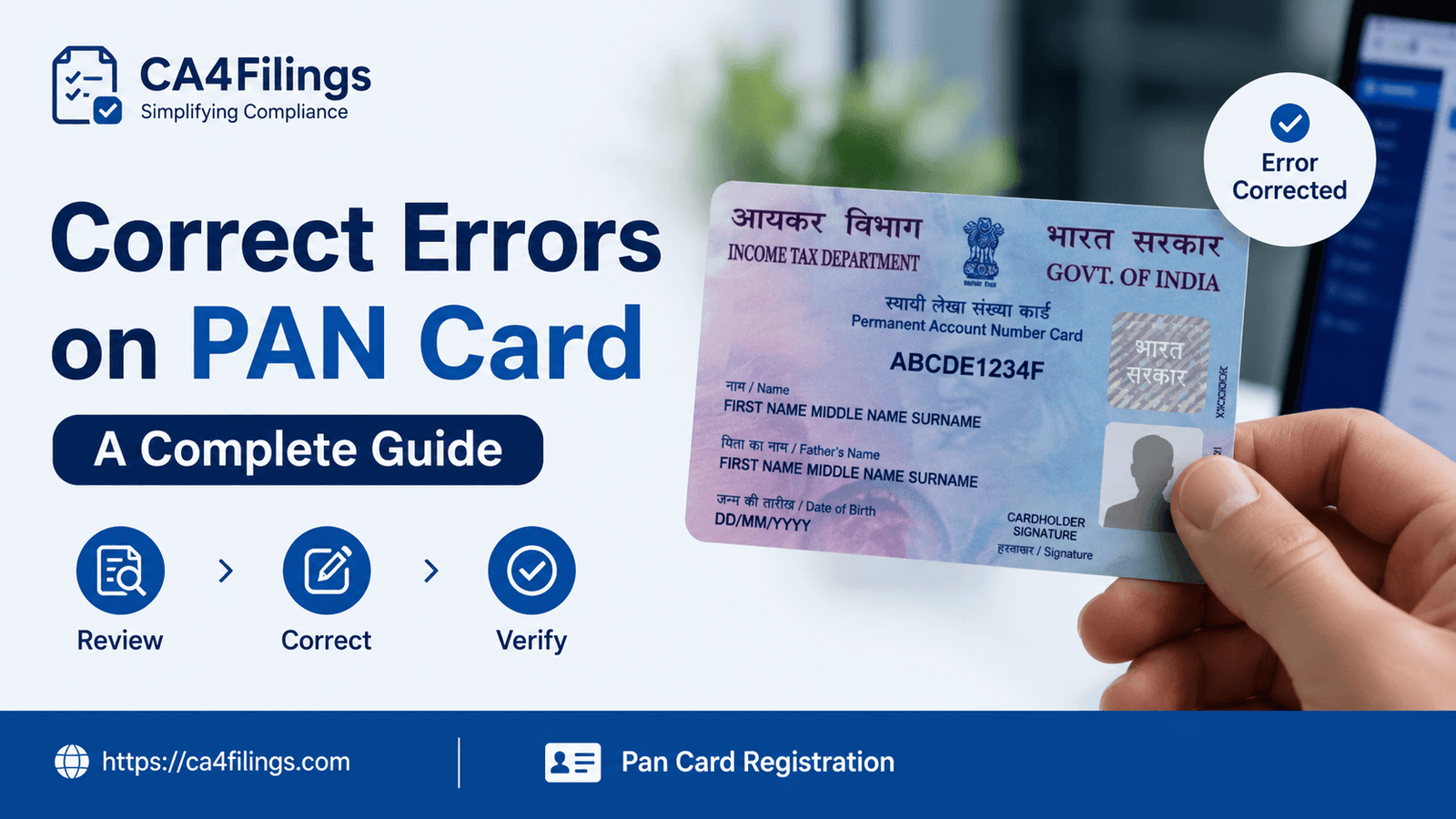
Every tax season at CA4Filings, we see a wave of panicked clients rushing to our desks with the same exact problem. They went to file their Income Tax Return (ITR), open a demat account, or apply for a home loan, only to be stopped dead in their tracks because the name on their PAN card didn’t match their Aadhaar or bank records. A single typo in your father’s name or a flipped digit in your Date of Birth (DOB) can cause massive financial roadblocks. If you are stuck in this situation, don't worry. This comprehensive walkthrough on How to Correct Errors on Your PAN Card: A Complete Guide will help you sort it out smoothly.
At CA4Filings, we handle hundreds of document rectifications every month. While the government has digitized the entire ecosystem, the paperwork can still feel like a maze if you don't know the exact steps. If you don't have a Permanent Account Number yet, you should first look into our seamless Pan Card Registration service to get your tax identity established correctly from day one. But if you already hold a card and it contains mistakes, let’s dive straight into how you can fix it online and offline.
Why a Mistake on Your PAN Card is a Ticking Time Bomb
Many individuals treat a minor spelling mistake on their PAN card as a cosmetic issue. As Chartered Accountants, we strongly advise against this. Your PAN is linked directly to the Income Tax Department's e-filing portal, your bank accounts, your credit bureau profile (CIBIL), and your Aadhaar.
Consider a real-world scenario from one of our clients, Rajesh. His official name on his Aadhaar card was "Rajesh Kumar Sharma," but his PAN card read "Rajesh K. Sharma." When he applied for a business loan, the bank's automated verification system flagged a name mismatch, delaying his funding by three critical weeks. By addressing these discrepancies early, you avoid immediate hurdles and safeguard your future financial transactions.
How to Correct Errors on Your PAN Card: A Complete Guide (The Online Route)
Correcting your PAN details online is the fastest and most transparent method. The Income Tax Department has authorized two entities to manage this data: NSDL (now Protean) and UTITSL. The step-by-step framework below outlines the exact digital process.
Step 1: Navigating the Official Portal
Visit the official Protean (formerly NSDL) Online PAN Application portal.
Under the "Application Type" dropdown menu, select "Changes or Correction in existing PAN Data / Reprint of PAN Card (No changes in existing PAN Data)".
Select your "Category" (e.g., Individual, Firm, Company). For most readers, this will be "Individual".
Step 2: Filling out the Applicant Information
Fill in your basic details accurately: Last Name, First Name, Date of Birth, Email ID, Mobile Number, and your existing 10-digit PAN number.
Check the box acknowledging the privacy policy, enter the captcha code, and click Submit.
The system will generate a temporary Token Number. Note this down instantly. If your session times out, this token allows you to resume your application without losing your progress.
Step 3: Entering the Corrected Details
This is where most people make mistakes. The form displays checkboxes next to every field (Name, Father’s Name, DOB, Photo, Signature). You must check the box next to the specific field that requires correction.
Expert Tip from CA4Filings: If you are changing your name because of marriage, make sure you fill in your new surname but provide the exact legal proof (like a marriage certificate) later in the application. If you don't check the box next to the field, the database will not update, even if you typed the correct information in the text box.
Step 4: Digital Verification (Paperless vs. Physical)
You have three options to verify your identity:
Submit digitally through e-KYC & e-Sign (Paperless): This uses your Aadhaar data and sends an OTP to your registered mobile number. It is the fastest route, but your PAN card will feature the exact photo from your Aadhaar card.
Submit scanned images through e-Sign: This allows you to upload a custom, recent photograph and a clean digital signature.
Forward application documents physically: You must print the form, attach photos, sign it manually, and mail it to the Protean office in Pune.
Step 5: Making the Fee Payment
Once the form is complete, you will be directed to the payment gateway.
If you want a physical PAN card delivered to your address, the fee is approximately ₹110 for Indian communication addresses.
If you only require an e-PAN (digital copy sent via email), the fee is lower, around ₹66.
What Documents Do You Need for PAN Correction?
Your application will be rejected if your supporting documents do not precisely validate the requested change. The acceptable proofs depend on the type of error you are correcting:
For Identity and Name Corrections
Aadhaar Card issued by UIDAI
Passport
Voter ID Card
Driving License
For Married Women: Marriage Certificate or a copy of the official Government Gazette publication reflecting the name change.
For Date of Birth Corrections
Matriculation (Class 10) passing certificate
Birth Certificate issued by a municipal authority
Passport
The Offline Route: For Those Who Prefer Paperwork
If you are uncomfortable navigating online portals, you can complete this process offline.
Download the "Request for New PAN Card Or/And Changes or Correction in PAN Data" form from the Protean or UTIITSL website.
Fill out the entire form using black ink, ensuring you tick the relevant boxes on the left margin for fields that need correction.
Attach two recent passport-sized photographs and sign across them carefully.
Visit your nearest PAN Service Center or TIN-Facilitation Center. Submit the form along with self-attested physical copies of your identity, address, and age proofs. Pay the processing fee in cash or via demand draft.
Frequently Asked Questions (FAQs)
1. How long does it take for PAN card corrections to reflect online?
Generally, it takes 15 to 21 working days for the Income Tax Department to process and update your PAN details after a valid application is submitted. You will receive an acknowledgment number to track the status online.
2. Can I change my PAN card number if I don't like it?
No. Your Permanent Account Number is issued once in a lifetime and cannot be changed. This guide on How to Correct Errors on Your PAN Card: A Complete Guide is strictly for correcting data points associated with that number, like your name, spelling, or birth date.
3. What should I do if I accidentally hold two PAN cards?
Holding two PAN cards is illegal under Section 272B of the Income Tax Act, 1961, and can attract a penalty of ₹10,000. You must immediately surrender one of the cards using the same change request form, specifying the PAN you wish to cancel in the relevant section at the bottom of the form.
4. Can I change my signature on my PAN card?
Yes. You can update your signature by selecting the "Signature Mismatch" checkbox on the correction form and uploading a scanned image of your new signature using the e-Sign facility.
Let CA4Filings Handle the Hassle
Navigating government correction portals can be tedious, especially when a single rejected document pushes your timelines back by another month. This ultimate guide on How to Correct Errors on Your PAN Card: A Complete Guide gives you the precise framework to fix errors independently.
However, if you want to ensure your documents are verified by professionals without any risk of rejection, our team at CA4Filings is here to step in. We handle everything from validating your proofs to ensuring smooth submission, freeing you to focus entirely on running your business.
Latest Updates
ca4filings.com Services



















-registration.png)