How to Check the Status of Your DIR-3 KYC Application
Master the process of How to Check the Status of Your DIR-3 KYC Application with this simple, step-by-step guide by the experts at CA4Filings.
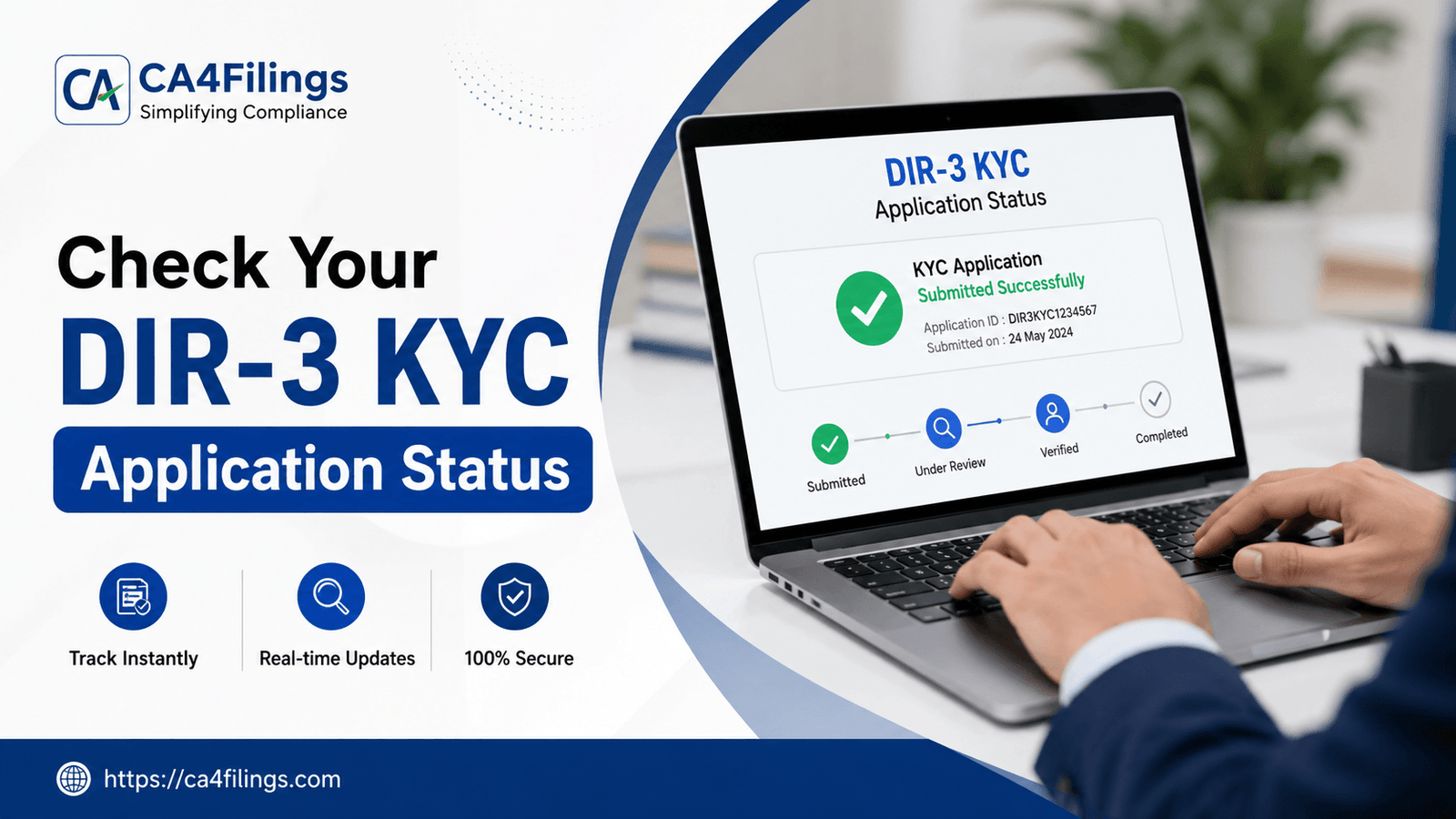
Every year, as the monsoon begins to recede, a familiar anxiety grips company directors across India. The Ministry of Corporate Affairs (MCA) compliance calendar clocks in, and with it comes the mandatory annual compliance ritual: the DIR-3 KYC filing. If you hold a Director Identification Number (DIN), you are legally required to update your KYC details annually. But filing the form is only half the battle won. The real peace of mind comes when you know for sure that your application has been approved by the central registry. If you are sitting on the fence wondering whether your filing went through smoothly, you have come to the right place. In this comprehensive guide, we will break down exactly How to Check the Status of Your DIR-3 KYC Application without breaking a sweat.
As practicing Chartered Accountants, we see many directors assume that just because they paid their consultant or generated an OTP, their compliance is complete. Unfortunately, server glitches, data mismatches, or pending approvals can leave your DIN vulnerable to getting deactivated. To prevent penalties and operational roadblocks, ensuring your annual compliance is successfully processed on the MCA portal is absolutely non-negotiable. If you haven't filed yet or need professional assistance to streamline this process, you can easily complete your annual DIR-3 KYC registration through our dedicated compliance module, ensuring zero errors and timely approvals.
Why You Must Track Your DIR-3 KYC Status
Before we dive into the technical clicks and steps of How to Check the Status of Your DIR-3 KYC Application, let’s understand what is at stake.
When a DIR-3 KYC application is left in limbo or fails to get approved, the MCA marks the corresponding DIN as "Deactivated due to non-filing of DIR-3 KYC." A deactivated DIN carries immediate, severe operational consequences:
Signing Halts: You cannot sign any official documents, financial statements, or resolutions for your company.
MCA Filing Blockade: Your company will be barred from filing its routine annual returns (AOC-4 and MGT-7) or any other structural changes.
Hefty Penalties: Reactivating a deactivated DIN attracts a flat, non-negotiable late fee of ₹5,000 per director.
By tracking your status early, you can catch prospective rejections or technical glitches before the September 30th deadline runs out.
Step-by-Step Guide: How to Check the Status of Your DIR-3 KYC Application
The MCA portal has transitioned over time to the V3 platform. Checking your application status is completely online, transparent, and takes less than five minutes if you follow the right path.
Here are the two primary methods to track your status.
Method 1: Checking via the "Track SRN Status" Service
Every time a form is submitted on the MCA portal, a unique Service Request Number (SRN) is generated. This 9-character alphanumeric code is your primary tool for tracking.
Visit the MCA Portal: Go to the official website of the Ministry of Corporate Affairs (mca.gov.in).
Log In to Your Account: Click on the 'Sign In/Sign Up' button on the top right corner. Use your registered V3 portal credentials (Username and Password).
Navigate to MCA Services: Once logged in, hover over the 'MCA Services' tab on the main navigation menu.
Select Track SRN Status: Under the database queries or general services section, look for the 'Track SRN Status' option and click it.
Enter Your SRN: Input the unique SRN that was generated when your DIR-3 KYC form (or web service) was submitted.
View Status: Click on 'Submit'. The portal will display the real-time status of that specific transaction.
Method 2: Checking via the "DIN Services" (No SRN Required)
Lost your SRN receipt? Don't panic. You can directly check the health of your DIN using the Master Data and DIN services tools on the portal.
Go to MCA Services: On the MCA homepage, navigate to the 'MCA Services' tab.
Click on DIN Services: From the drop-down menu, locate and click on 'Verify DIN/DPIN Details'.
Input Your DIN: Enter your 8-digit Director Identification Number in the designated field.
Analyze the Status: The system will display the Director's name and their current DIN status.
If it reads "Approved" or "Active", your compliance is securely updated.
If it reads "Deactivated due to non-filing of KYC", your application did not go through or was never submitted.
Understanding Different Status Terminologies On the MCA Portal
When you pull up your application status, the MCA portal will display specific terms. Here is what they actually mean in plain, non-legal English:
| Status Displayed | What It Means | Recommended Action |
|---|---|---|
| Pending for HOD Approval | The form is caught in a routine or manual backend verification check by the MCA ministry officers. | Wait for 48–72 hours; it usually resolves automatically. |
| Approved / Integrated | Your DIR-3 KYC has been successfully processed and recorded in the central registry. | No further action needed. Download the formal receipt for your corporate records. |
| Rejected | The application was turned down due to data mismatches (e.g., name mismatch with PAN) or illegible attachments. | Analyze the rejection remarks, rectify errors, and re-file immediately. |
| Payment Incomplete | The form was uploaded, but the payment gateway communication failed (even if zero fees apply for timely filings). | Check your bank statement or re-submit the zero-fee transaction on the V3 portal. |
Pro-Tips from CA4Filings for a Seamless KYC Experience
Over our years of handling corporate secretarial compliances at CA4Filings, we have identified a few common pitfalls that cause DIR-3 KYC applications to get stuck or rejected. Keep these insider tips in mind:
The PAN-Aadhaar Name Match: The MCA portal validates your name directly against the Income Tax PAN database. If your name is "Rajesh Kumar Sharma" on your PAN card but typed as "Rajesh Sharma" on your KYC details, the automated system will reject it instantly. Ensure absolute consistency across your identity documents.
Keep Mobile & Email Accessible: The DIR-3 KYC Web service relies heavily on real-time OTP verification. Ensure you have access to both the registered Indian mobile number and email ID during the filing window.
Avoid Last-Minute Server Congestion: The MCA portal is notorious for slowing down or crashing during the final week of September. File early, and check your status within 48 hours of filing to ensure it reads "Approved."
Frequently Asked Questions (FAQs)
Q1. How many days does it take for the DIR-3 KYC status to update?
In most cases on the V3 portal, if you are using the DIR-3 KYC Web service without any changes to your core details, the status updates to "Approved" instantly upon OTP validation and form submission. For physical e-form DIR-3 KYC submissions involving document attachments, it can take 24 to 48 hours.
Q2. Can I check the status of my DIR-3 KYC application without logging in?
You can check the general status of your DIN (whether it is Active or Deactivated) via the public "Verify DIN Details" tool without logging in. However, to track the exact lifecycle and transaction stages using the "Track SRN Status" feature, logging into a registered user account on the MCA portal is mandatory.
Q3. What should I do if my DIR-3 KYC application status shows "Rejected"?
If your status shows rejected, you must look at the specific error remarks provided in the SRN tracking logs. Common reasons include blurry passport copies, mismatched digital signatures (DSC), or name discrepancies. You will need to rectify the specific error and file a fresh application.
Q4. Is there a government fee to check the status of my application?
No, checking the status of your DIN or tracking your SRN on the official MCA portal is a completely free service provided by the Ministry of Corporate Affairs.
Let CA4Filings Handle Your Corporate Compliances
Navigating government portals, managing digital signatures, and deciphering technical errors can take your focus away from what truly matters—running and growing your business.
At CA4Filings, we take the regulatory weight off your shoulders. Our dedicated team of chartered accountants and corporate compliance experts ensures that your DIR-3 KYC filings, DIN reactivations, and annual company secretarial returns are handled accurately, securely, and well ahead of due dates. We don't just stop at filing; we track your applications until they are officially approved, giving you absolute peace of mind.
Latest Updates
ca4filings.com Services













-registration.png)